
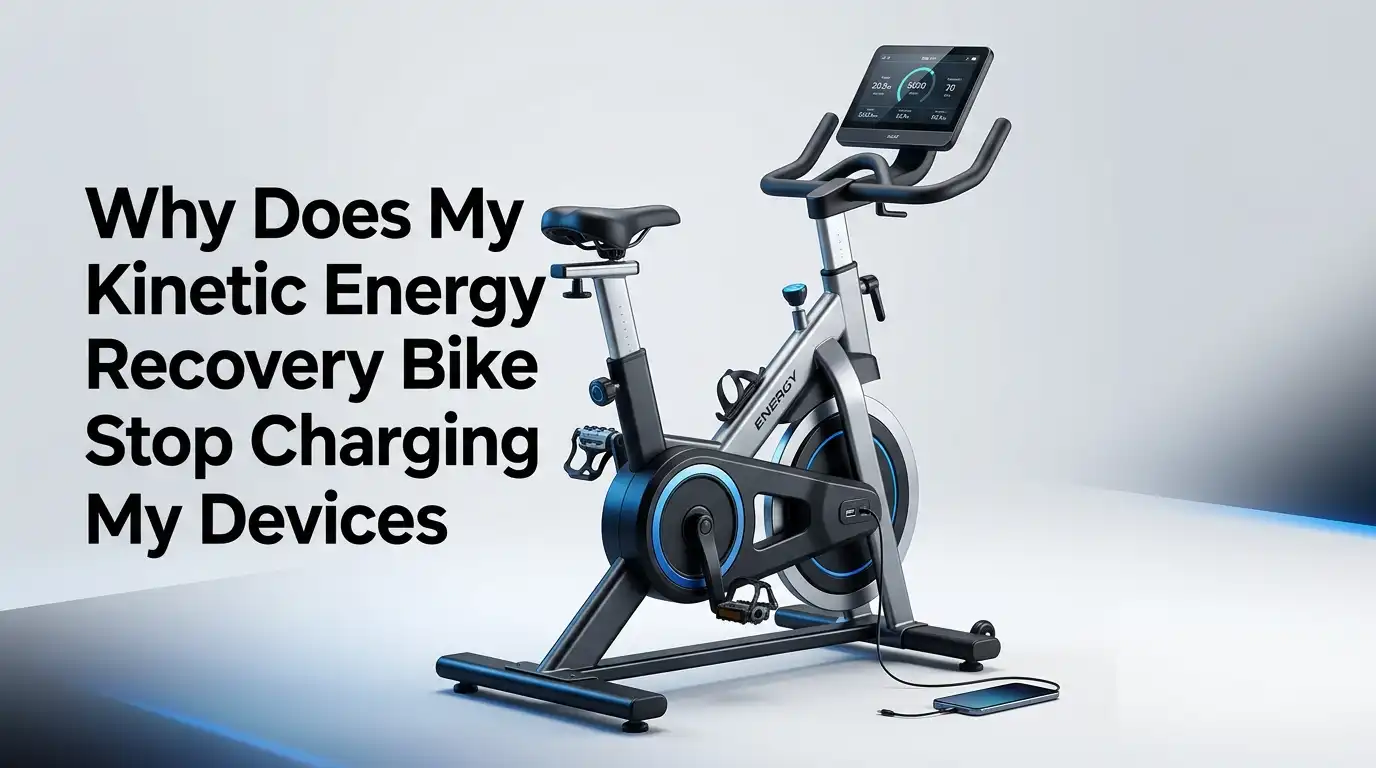
Why Does My Kinetic Energy Recovery Bike Stop Charging My Devices?
Your bike should charge your device while you ride. That is the whole point. So it feels annoying when the charging icon flashes on, then off, or never appears at all.
The good news is that this problem usually has a clear cause. Your bike may be producing too little power. Your charger may be giving unstable output. Your phone may reject weak current. Your cable may also be the hidden problem.
This guide will help you find the real fault fast. You will learn what your charging system needs, what your device expects, and what simple fixes give the best results.
In a Nutshell
- Your bike may be working, but your speed may be too low. Many bike charging systems need steady wheel speed before they can give a clean 5 volt USB output. If you slow down often, ride uphill, or stop at lights, the power can dip below the level your phone or GPS wants. That causes charging to pause, restart, or fail.
- Your device may need steadier power than your bike can give directly. Phones are picky. They often stop charging if the current is weak or unstable. A simple buffer battery placed between the bike charger and your device can smooth the power and stop constant reconnects. This is often the most effective fix.
- Your cable and port matter more than most riders think. A worn cable, a loose USB plug, dirt in the phone port, or moisture in the bike charger can break charging even if the generator is fine. Small hardware faults cause big charging issues. Always test a second cable before blaming the bike.
- Other loads can steal power from your device. If your lights, display, or other accessories run from the same system, your charging output may drop. Some bikes can light the road or charge a phone well, but struggle to do both at once. Turning off extra loads during charging can help right away.
- Heat, water, and vibration can stop charging without warning. Phones often slow or pause charging when they get too warm. Rain can also affect exposed connectors. Rough roads can shake cables loose. A charging system that seems random often has an environmental trigger. Check where and when the failure happens, then match the fix to that pattern.
How Your Bike Charging System Actually Works
A kinetic energy recovery bike charging system turns motion into electricity. On many bikes, that means a hub dynamo, rim generator, pedal generator, or another small power unit. That raw power then passes through a regulator or USB converter before it reaches your phone.
Your device does not want raw power. It wants a stable USB output. If the converter cannot keep voltage and current steady, the phone may refuse to charge. That is why the bike can feel fine while the device still stops charging.
A common mistake is to assume the problem is the phone. In many cases, the issue starts earlier in the chain. The generator, the regulator, the cable, and the device all need to work together.
Pros of understanding the full system: you test smarter, spend less, and avoid random part swaps.
Cons: it takes a little patience at first, especially if you have never checked voltage, cables, or charging behavior before.
Your Bike May Not Be Making Enough Power
Many riders expect bike charging to feel like wall charging. It does not. Bike power is smaller and slower. A common dynamo setup is rated around 6 volts and 3 watts under normal conditions. After conversion losses, the real USB charging power can feel modest.
That matters because modern phones can use a lot of power, especially with navigation, screen brightness, Bluetooth, and mobile data turned on. If the phone is using power as fast as the bike supplies it, the battery level may stay flat or still fall.
This is why a small GPS unit often charges more easily than a large smartphone. The device load is lower, so the bike has a better chance of keeping up.
Pros of accepting the system limit: you set realistic expectations and choose better fixes.
Cons: direct charging may never work well for larger devices during hard use, even if nothing is broken.
Low Speed and Stop Start Riding Can Break Charging
Your charger may work on flat roads and fail on climbs. That pattern usually points to speed related power loss. Many bike charging systems need a steady pace before they can deliver useful USB output. If speed drops, charging power falls too.
This is why some riders see the charging icon appear on descents and vanish on hills. The system is not always faulty. It may simply be below its working range. That stop and start pattern is a strong clue.
If your route includes traffic lights, urban riding, or steep grades, direct device charging becomes less reliable. A phone can disconnect, reconnect, and sometimes show charging without adding real battery life.
Quick test: ride at a steady pace on a flat road for ten to fifteen minutes with one device connected. If charging becomes stable, low speed is likely the cause.
Pros of this test: free, simple, and accurate.
Cons: it only tells you the pattern. It does not smooth the power by itself.
The Regulator or USB Converter May Be the Weak Link
Your generator may be fine, but the regulator may not be doing its job. The converter has one big task. It must turn uneven bike power into smooth USB power. If it fails, your device sees unstable current and stops charging.
Cheap or aging converters often struggle most at low speeds. Some also get warm and reduce output. Others work with small gadgets but fail with newer phones that want cleaner power. A weak converter can make a good generator look bad.
Look for signs like charging that works with one device but not another, charging that cuts out as speed changes, or charging that improves only when the device screen is off. These clues often point to regulation problems.
Pros of replacing a bad converter: large improvement, often fast to diagnose, strong impact on stability.
Cons: it can cost money, and you need to confirm the fault before replacing parts.
A Bad Cable or Dirty Port Can Stop Everything
Never skip the cable check. A weak cable can drop voltage before power even reaches your device. A loose connector can also break contact on bumps. If your phone port has lint or dirt inside, the plug may look connected while failing in motion.
This issue is common because cables age quietly. The outer sleeve can look fine while the inside wires are weak. On a bike, vibration makes the fault worse. One bad cable can copy the symptoms of a failing generator.
Start with the easiest fix. Try a short, high quality cable. Clean the phone port carefully. Make sure the plug clicks in firmly. Then test again on the same route.
Pros of this fix: cheap, fast, and often successful.
Cons: riders sometimes ignore it because it feels too simple, and that delays the real fix.
Running Lights and Device Charging at the Same Time Can Reduce Output
Many bike systems struggle when lights and USB charging run together. The available power is limited, so the system must divide it. If your headlight is on, your device may get only part of the output. In some setups, charging stops almost fully.
That matters most in low light rides, winter commutes, and long tours. You may feel that the charger fails only at night. In truth, the power is being shared. The system is doing two jobs with one small power source.
Try a test ride in daylight with the lights off. If charging becomes stable, you found a major cause. Some riders choose to charge devices mainly in daylight and save night power for lighting.
Pros of turning lights off while charging: instant improvement and no cost.
Cons: this is not safe in dark or poor visibility, so it is a limited fix and not always practical.
A Buffer Battery Is Often the Best Real World Fix
A buffer battery sits between the bike charger and your device. The bike charges the buffer battery, and the battery gives a steadier output to your phone or GPS. This helps during slow riding, brief stops, and changing terrain.
For many riders, this is the difference between random charging and stable charging. The battery acts like a shock absorber for power dips. Your phone sees cleaner input, so it stops dropping in and out. This fix solves the most common real road problem.
Choose a battery that supports pass through charging if possible. Then test it on the route that usually causes trouble. If your phone stays connected, the system is now smoother than before.
Pros: better stability, fewer reconnects, improved results on hills and at traffic lights.
Cons: extra weight, extra cable, some energy loss, and another item to charge and protect from rain.
Direct Device Charging and Buffer Charging Each Have Tradeoffs
Some riders prefer direct charging because it is simple. The bike connects straight to the phone or GPS. This method uses fewer parts, which means fewer things can fail. It can work well for lower power devices and steady road riding.
Other riders get better results with buffer charging. This method adds a small battery in the middle, which smooths low speed power dips. It is often better for phones, especially if the phone screen stays on for maps.
Direct charging pros: lighter setup, fewer cables, less clutter, less energy loss in storage.
Direct charging cons: more dropouts, more device rejection, poor results at low speed.
Buffer charging pros: steadier output, better phone support, less reconnect stress.
Buffer charging cons: more gear, more setup, some storage loss.
If your device keeps stopping, buffer charging is usually the more forgiving method.
Your Device Itself May Be Refusing the Charge
Sometimes the bike delivers power, but the device says no. Phones can reject a charger if the current is too weak, the signal is unstable, or the charger does not match what the device expects. This happens more with phones than with small GPS units.
Heat is another common trigger. If the phone gets hot from sun, navigation, and charging at the same time, it may slow charging or stop it for safety. That can make the bike seem faulty even though the phone is protecting itself.
Lower the screen brightness. Close heavy apps. Turn off features you do not need. Keep the phone out of direct sun. Then test again with the same charger and cable.
Pros of changing phone settings: free, simple, and often enough on warm days.
Cons: it does not fix weak bike power, so the gain may be small if the main issue is upstream.
Water, Dust, and Vibration Can Cause Intermittent Failure
Bike charging systems live in a harsh place. Rain, road spray, dust, sweat, and vibration all attack connectors. A system can work at home, fail in the rain, then work again when dry. That pattern often means connector trouble, not a dead generator.
USB connections are especially sensitive. Water can reduce contact quality, and constant movement can loosen plugs. Dirt can also build up inside ports and adapters. Intermittent charging often points to a physical connection problem.
Check all exposed points. Dry them fully. Inspect for green or white corrosion, loose plugs, or bent contacts. Use strain relief so cables do not wobble on rough roads. Keep connectors covered when not in use.
Pros of weather proofing and cable support: higher reliability and longer part life.
Cons: it takes regular checking, especially if you ride in wet or dusty conditions.
A Simple Step by Step Test Will Find the Real Fault Faster
Do not change five things at once. Test one variable at a time. Start with the cable because it is easy. Then test the device with another power source. After that, test the bike charger with another device.
Next, do one ride with lights off and one ride with lights on. Then do one steady speed test on flat ground. If charging improves only at steady speed, the issue is likely power stability. If a second device charges fine, your first device is the picky one.
Finally, add a buffer battery and repeat the same route. This method gives clear answers. Simple testing beats guessing every time.
Best order to test: cable, port, device, lights, speed, converter, buffer battery.
Pros: saves money and avoids wrong purchases.
Cons: you need to stay organized and compare each result honestly.
Some Parts May Be Worn Out and Ready for Replacement
If your setup used to work well and now fails often, wear may be the cause. Cables fatigue. Connectors corrode. USB ports loosen. Regulators age. Even the generator can lose performance if there is damage in wiring or mounting.
Listen to the bike and watch the pattern. If charging fails with every cable, every device, every route, and every speed, the fault may be in a major part. If the wheel system rattles, wiring looks damaged, or output has become much weaker than before, replacement may be sensible.
Replace only after testing the easy parts first. The goal is smart replacement, not random replacement.
Pros of replacing a worn part: you restore trust in the system and stop wasting ride time.
Cons: the cost can rise if you replace parts without proving the fault.
How to Keep Charging Stable on Future Rides
Once you fix the current issue, focus on prevention. Keep one tested cable with your bike setup. Clean the phone port often. Protect the charger from rain and direct spray. Secure cables so they do not swing or pull on the device.
Use direct charging only when the ride is steady and the device load is low. Use a buffer battery for phones, long climbs, stop start routes, and map use. If possible, charge high drain devices during faster sections and save night power for lights.
Most important, match your expectations to your setup. A bike charger is useful, but it has limits. When you work within those limits, the system becomes much more reliable.
Pros of prevention: fewer surprises, better device safety, smoother rides.
Cons: you need a little routine, but that routine is much easier than dealing with a dead phone far from home.
FAQs
Why does my phone show charging on my bike and then stop a minute later?
This usually means the power is unstable. Your bike may reach the right output for a short moment, then drop below it when speed changes. A weak cable, a poor regulator, or shared power from lights can also cause this pattern. Try a steady speed test, use a better cable, and add a buffer battery. If the phone stays connected after that, the issue was not random. It was a stability problem.
Why does my GPS charge fine but my phone does not?
A GPS often uses less power than a phone. Phones also tend to be more picky about charging quality. If your phone screen is on, maps are running, and mobile data is active, the phone may use almost all the power your bike provides. The GPS has an easier job. Lower the phone load, test a buffer battery, and compare results on the same route.
Can I charge my phone and run my lights at the same time?
Sometimes yes, but often with limits. Small bike charging systems have limited power, so lights can reduce what remains for USB charging. At low speed, the charger may stop or slow a lot. On a daylight test ride, switch the lights off and see if charging improves. If it does, shared power is the problem. A smoother charging setup or different riding plan will help.
Is a buffer battery really worth it for bike charging?
For many riders, yes. A buffer battery helps most when your route includes hills, stops, rough roads, or phone navigation. It smooths power dips and reduces charging dropouts. If your current setup works only on flat, fast roads, a buffer battery can make the system much easier to live with. It adds one more item to carry, but the gain in stability is often worth it.

Hi, I’m Sarah Hill — the founder and voice behind Heavy Lift Vault. I’m passionate about fitness, strength training, and health technology. I spend my time researching, testing, and reviewing workout equipment and health devices so you don’t have to guess. My goal is to deliver honest, detailed, and trustworthy reviews that help you invest wisely in your fitness journey.