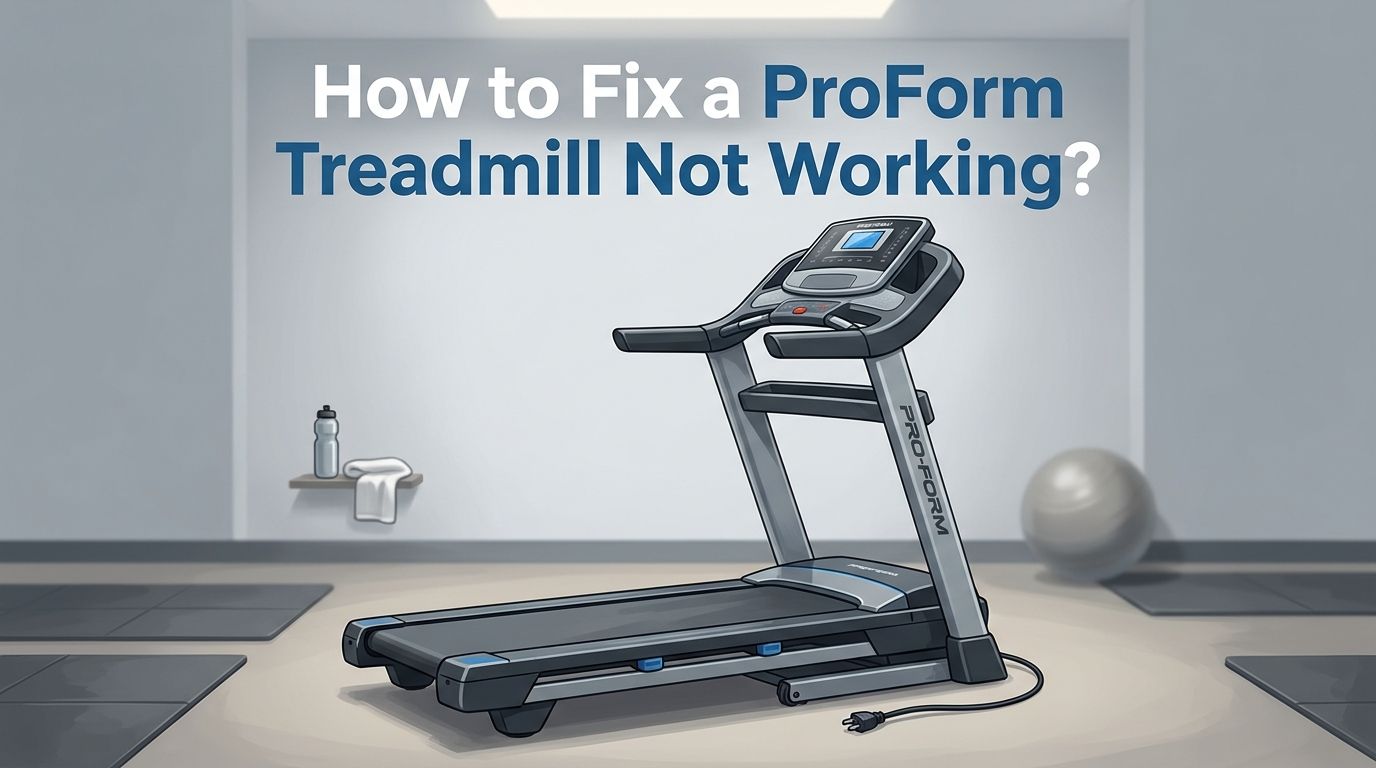
How to Fix a ProForm Treadmill Not Working? 14 Simple Steps
You just stepped onto your ProForm treadmill, ready for a solid workout, and nothing happens. Maybe the console is frozen. Maybe the belt refuses to move. Or maybe you smell something burning.
Whatever the issue, a ProForm treadmill that stops working can throw your entire fitness routine off track. The good news? Most ProForm treadmill problems have simple fixes you can handle at home without calling a technician.
This guide walks you through every common issue and gives you clear, step by step solutions so you can get back to your workout fast. Keep reading because the answer to your problem is likely just a few scrolls away.
Key Takeaways
- Check the basics first. A surprising number of ProForm treadmill failures come down to a tripped circuit breaker, a missing safety key, or a loose power cord. Always rule out the simple stuff before digging deeper into the machine.
- A factory reset fixes many console and software problems. If your screen is frozen, stuck on the iFIT logo, or displaying error codes, a pinhole reset on the side of the console often brings it back to life. You will need a paperclip and a second person to help.
- Belt tension is behind several issues at once. A belt that is too tight can slow the treadmill, cause a burning smell, and create loud squeaking noises. Learning to check and adjust belt tension with a hex key solves multiple problems in one step.
- Incline problems usually need a simple calibration. If your treadmill is stuck on an incline or ignoring your incline commands, a quick calibration through the console settings or a button combination will reset the motor to its correct range of motion.
- Know when to call ProForm support. Motor control board failures, internal wiring issues, and persistent electrical problems require professional help. Opening the motor hood on your own can void your warranty, so contact ProForm at their support line before attempting internal repairs.
- Preventive maintenance saves you from most breakdowns. Wipe down the machine after each use, keep the area around the treadmill free of dust, and inspect the belt every few months. These small habits extend the life of your machine by years.
How to Check the Power Source on Your ProForm Treadmill
The most overlooked cause of a ProForm treadmill not working is a power supply problem. Start by checking if the power cord is firmly plugged into the wall outlet. Loose connections happen more often than you think, especially if the treadmill vibrates during use.
Next, look at the power switch at the base of the machine near the front. This switch doubles as a circuit breaker. If it has tripped, flip it to the off position, wait five full minutes, then press it back to the on position.
Make sure the outlet itself works by plugging in another device like a lamp or phone charger. ProForm recommends using a surge protector rated for at least 120 volts and 15 amps. Do not plug the treadmill into an extension cord or a power strip shared with other large appliances. This alone can cause the treadmill to shut down or refuse to start.
Pros: This fix takes less than two minutes and costs nothing.
Cons: If the outlet or breaker is fine, the issue is deeper inside the machine.
How to Inspect and Reinsert the Safety Key Properly
Every ProForm treadmill requires a safety key to operate. This small magnetic clip attaches to the console and connects to your clothing with a cord. If the safety key is missing, loose, or not seated correctly, the treadmill will not start at all.
Remove the safety key completely. Inspect the key and the slot on the console for dust, lint, or debris that might block a clean connection. Wipe both surfaces with a dry cloth. Then reinsert the key firmly until you hear or feel a click.
Some users store their treadmill with the key still inserted. Over time, the magnetic contact can weaken. If reinserting does not work, try a replacement safety key that matches your specific ProForm model number. You can find your model number on a sticker near the base of the machine or on the front cover of your owner’s manual.
Pros: This is an easy, no tool fix that solves a very common startup problem.
Cons: Replacement keys must match your exact model, which can take time to find.
How to Perform a Factory Reset on Your ProForm Treadmill
A factory reset clears software glitches, frozen screens, and iFIT errors. If your console displays error codes, stays stuck on a loading screen, or refuses to respond to touch, this step often solves the problem right away.
Start by turning the power switch off. Locate the small pinhole on the right side of the console. Straighten a paperclip and insert it into the hole to press the hidden reset button. Hold the paperclip in place. While holding it, have a second person flip the power switch back on.
Keep pressing the reset button until the console screen activates. The machine will restart itself once the process finishes. If the screen does not come back on automatically, turn the power off and on again manually.
Be aware that a factory reset erases all custom settings, saved preferences, and stored workout data. You will need to reconnect to your WiFi network and log back into iFIT after the reset is complete.
Pros: Resolves most console freezes, iFIT errors, and software update failures.
Cons: You lose all personal settings and must reconfigure the console from scratch.
How to Fix a ProForm Treadmill Belt That Will Not Move
Your treadmill powers on, the display lights up, but the belt stays still. This is a frustrating problem with several possible causes. Start by pressing the start button and watching the timer on the display. If the timer counts up but the belt does not move, the issue likely sits in the motor controller board.
Before assuming the worst, check the belt tension. Turn off the machine and unplug it. Grab the edge of the belt near the center and try to lift it. You should be able to lift it two to three inches off the deck. If you cannot lift it at all, the belt is too tight and may be preventing the motor from turning it.
Use the hex key included with your ProForm to loosen the idler roller screws at the rear of the deck. Turn each screw counterclockwise by a quarter turn. Test the lift again. Repeat until you reach the correct tension.
Pros: Belt tension adjustments fix a large percentage of non moving belt problems.
Cons: If the motor controller is faulty, you will need professional repair or a replacement board.
How to Stop Your ProForm Treadmill From Slipping and Skipping
A slipping belt feels unstable under your feet. You might notice the belt hesitating or jerking as you walk or run. This usually points to a belt that is too loose or needs lubrication.
Perform the same lift test described above. If the belt lifts more than three inches from the deck, it is too loose. Use your hex key to tighten the idler roller screws by turning them clockwise a quarter turn at a time. Check after each adjustment.
Lubrication is another factor. Many treadmill brands recommend applying silicone lubricant every three to six months. However, ProForm explicitly advises against applying silicone spray or any lubricant to the walking platform unless an authorized representative instructs you to do so. Check your owner’s manual for your model’s specific guidance.
If the belt still slips after tension and lubrication checks, the belt itself may be worn out from regular use. A replacement belt matched to your ProForm model number is the next step.
Pros: Tightening the belt is a quick DIY fix with no cost.
Cons: ProForm’s lubricant restrictions mean you may need to call support for this particular maintenance task.
How to Fix Incline Problems on a ProForm Treadmill
If your treadmill is stuck on an incline or ignoring incline adjustments, the fix is almost always a calibration. The incline motor needs to know its full range of motion, and sometimes that data gets lost after a power outage or software update.
For touchscreen models, go to Settings, then Maintenance, and select Calibrate Incline. Tap “Begin.” The treadmill will rise to the highest incline, drop to the lowest position, and stop. Tap “Finish” to complete the process. Step off the treadmill during this entire procedure.
For non touchscreen models, press and hold the Stop button and the Speed Increase button at the same time. While holding both, insert the safety key. The machine enters calibration mode. Press the Stop button once, then press an incline button to start. The treadmill performs the same high to low calibration. Remove the safety key when it finishes.
Pros: Calibration is straightforward and fixes incline issues in under five minutes.
Cons: If calibration fails repeatedly, the incline motor itself may need replacement.
How to Troubleshoot iFIT Errors and Connectivity Issues
Many ProForm treadmills rely on the iFIT platform for workouts, and connectivity problems can make the entire console seem broken. If your screen is stuck on the iFIT logo or shows a “Retry” button, start by checking your WiFi connection.
Go to Settings on the console, select Wireless Network Mode, and confirm the WiFi checkbox shows a green checkmark. If not, tap WiFi and let the console search for available networks. Select your network and enter the password.
If WiFi is connected but iFIT still fails to load, restart your home router. Unplug it for 30 seconds, plug it back in, and reconnect the treadmill. Outdated firmware can also block iFIT from loading. Let the console download and install updates fully without turning off the machine during the process.
A factory reset (described earlier) can clear persistent iFIT errors. You can also contact iFIT customer support separately from ProForm support, as they handle app and subscription issues through their own team.
Pros: Most iFIT problems resolve with a WiFi restart or software update.
Cons: Some older ProForm models may not support newer iFIT software versions.
How to Identify and Fix a Burning Smell From Your ProForm Treadmill
A burning smell from your treadmill is alarming, but it does not always mean serious damage. The first thing to do is stop the machine immediately, flip the power switch off, and unplug the cord from the wall.
The most common cause is excessive friction between the belt and the deck. An overtightened belt rubs hard against the surface and generates heat. Test the belt tension using the lift method. If the belt is too tight, loosen the idler roller screws with your hex key a quarter turn at a time.
Dust buildup inside the motor housing is another frequent cause. Dust particles collect around the motor and belt over time. They can overheat and create a burning odor. Use a damp cloth to clean the belt surface and a vacuum to clear dust from around and underneath the machine. Always wear clean, dry shoes on the treadmill to reduce debris.
If the smell returns after belt and cleaning adjustments, the issue may involve electrical components inside the motor housing. Do not open the motor hood yourself. Contact ProForm support for further guidance.
Pros: Belt tension and cleaning fixes are easy and cost free.
Cons: Electrical burning smells require professional diagnosis and may indicate a failing motor.
How to Fix Erratic Speed on a ProForm Treadmill
Speed fluctuations during your workout are distracting and potentially unsafe. If your ProForm treadmill speeds up or slows down on its own, start with the simplest fixes first.
Check that the treadmill sits on a flat, level surface. An uneven floor can cause inconsistent belt movement. Adjust the stabilizer feet if your model has them. Also confirm the power cord plugs directly into a wall outlet, not an extension cord or overloaded power strip.
If the surface and power supply check out, the problem may sit in the speed sensor or reed switch. These components communicate speed data to the motor control board. When they malfunction, the board sends erratic signals to the motor. Unfortunately, this is an internal repair that falls outside the safe DIY zone.
Check your belt tension and alignment as well. A loose or off center belt can mimic speed issues because it slips under load. Tighten or align the belt as needed and test the speed again.
Pros: Surface and power adjustments are simple and free.
Cons: Speed sensor and motor control board problems require a technician.
How to Quiet a Noisy ProForm Treadmill
ProForm treadmills are generally quiet machines. If yours starts making squeaking, grinding, or whining noises, something has shifted out of place.
A misaligned belt is the most common cause of new noises. Turn off the machine and unplug it. Look at the belt from behind the treadmill. If it has drifted to the left side, use your hex key to turn the left idler roller screw clockwise by half a turn. If it has shifted to the right, turn the same screw counterclockwise by half a turn.
Plug the machine back in, insert the safety key, and run the belt at a low speed for a few minutes. Watch the belt closely. Repeat the adjustment in small increments until the belt runs centered on the deck. Be careful not to overtighten the belt while correcting alignment because this creates a new set of problems.
Grinding sounds from beneath the motor hood may indicate worn bearings or internal component wear. This type of noise calls for a professional inspection rather than a home repair.
Pros: Belt alignment adjustments fix most noise problems quickly.
Cons: Internal grinding noises usually mean parts need replacement by a technician.
How to Check Your ProForm Treadmill Warranty Before Repairs
Before you spend money on parts or a repair technician, check your warranty status. Most ProForm treadmills come with a lifetime warranty on the frame and motor, a five year warranty on parts, and a two year warranty on labor. Some newer models may offer slightly different terms.
You must register your treadmill within 90 days of purchase on the ProForm website to activate the warranty. If you did not register, contact ProForm support to ask about your options. Have your model number and serial number ready. These are usually printed on a sticker near the base of the machine.
Call ProForm Customer Care at their support line during business hours. They can walk you through additional troubleshooting steps and determine if your repair qualifies for free parts or labor under warranty coverage.
Pros: Warranty repairs save you the full cost of parts and professional labor.
Cons: Warranties do not cover damage from misuse, and registration deadlines apply.
How to Prevent Future ProForm Treadmill Problems With Regular Maintenance
Most ProForm treadmill breakdowns are preventable with basic routine care. After every workout, wipe down the console, handrails, and belt surface with a damp cloth. Follow up with a dry towel to remove moisture. Never spray cleaning products directly onto the belt or console.
Every two to four weeks, vacuum around and underneath the treadmill to remove dust and hair. Dust that builds up near the motor can cause overheating and burning smells over time. Keep the area around the machine clear of shoes, bags, and other objects that might get caught in the belt.
Every three to six months, inspect the belt tension and alignment. Test the lift at the center of the belt and look for any signs of fraying or wear along the edges. Also check that all bolts and screws remain tight.
Always turn off the power switch and remove the safety key after each session. This protects the console and electrical system from power surges and accidental activation. Store the treadmill in a dry, temperature controlled space to avoid moisture damage.
Pros: Preventive maintenance costs nothing and dramatically extends the life of your treadmill.
Cons: It requires consistency. Skipping maintenance for months makes problems more likely.
How to Decide If You Should Repair or Replace Your ProForm Treadmill
At some point, repeated breakdowns raise the question: is it worth fixing? A general rule is to compare the repair cost to the price of a new treadmill. If the repair exceeds 50 percent of what a new machine would cost, replacement often makes more sense.
Consider the age of your treadmill. ProForm machines typically last about 10 years with good maintenance. If your treadmill is eight or nine years old and the motor has failed, the investment in a new motor may not be worth it.
Also think about part availability. Older ProForm models may have discontinued parts that are hard to find. Newer models come with updated consoles, better iFIT integration, and improved warranties.
If your treadmill is under five years old and the frame and motor are in good shape, repairing a belt, console, or speed sensor is usually the smarter financial choice. A single part replacement is far cheaper than a brand new machine.
Pros: Repairing a newer machine saves significant money compared to buying new.
Cons: Older machines with multiple failing components become money pits if you keep repairing them.
Frequently Asked Questions
How Do I Reset My ProForm Treadmill if the Screen Is Frozen?
Turn off the power switch. Find the pinhole on the right side of the console. Insert a straightened paperclip and hold down the internal reset button. Have someone else flip the power switch on while you keep pressing. Hold until the screen activates. This process erases saved settings, so you will need to reconnect to WiFi and log into iFIT again.
Why Does My ProForm Treadmill Start Then Stop Suddenly?
Sudden stops often point to a tripped circuit breaker on the machine itself. Flip the power switch off, wait five minutes, and flip it back on. If the problem continues, check the safety key connection and belt tension. A failing speed sensor can also cause sudden shutdowns because the motor control board loses the signal it needs to keep the belt running.
Why Does My ProForm Treadmill Turn On but the Belt Does Not Move?
If the display powers up and the timer runs but the belt stays still, the motor controller board may be faulty. Before assuming this, check belt tension and confirm it is not too tight. Also verify the safety key is fully inserted. If loosening the belt and reinserting the key do not help, contact ProForm support because the motor controller likely needs replacement.
How Often Should I Lubricate My ProForm Treadmill Belt?
ProForm specifically states in many of its user manuals that you should not apply lubricant to the walking platform unless directed by an authorized ProForm representative. This differs from many other treadmill brands. Always check your specific model’s owner manual before applying any product to the belt or deck surface.
How Do I Contact ProForm Customer Support for Treadmill Repairs?
You can reach ProForm Customer Care by phone during their business hours, Monday through Friday, 6:00 AM to 6:00 PM Mountain Time, and Saturday, 8:00 AM to 12:00 PM Mountain Time. Have your model number and serial number ready. For iFIT related issues, contact iFIT support separately through their website’s live chat feature.

Hi, I’m Sarah Hill — the founder and voice behind Heavy Lift Vault. I’m passionate about fitness, strength training, and health technology. I spend my time researching, testing, and reviewing workout equipment and health devices so you don’t have to guess. My goal is to deliver honest, detailed, and trustworthy reviews that help you invest wisely in your fitness journey.