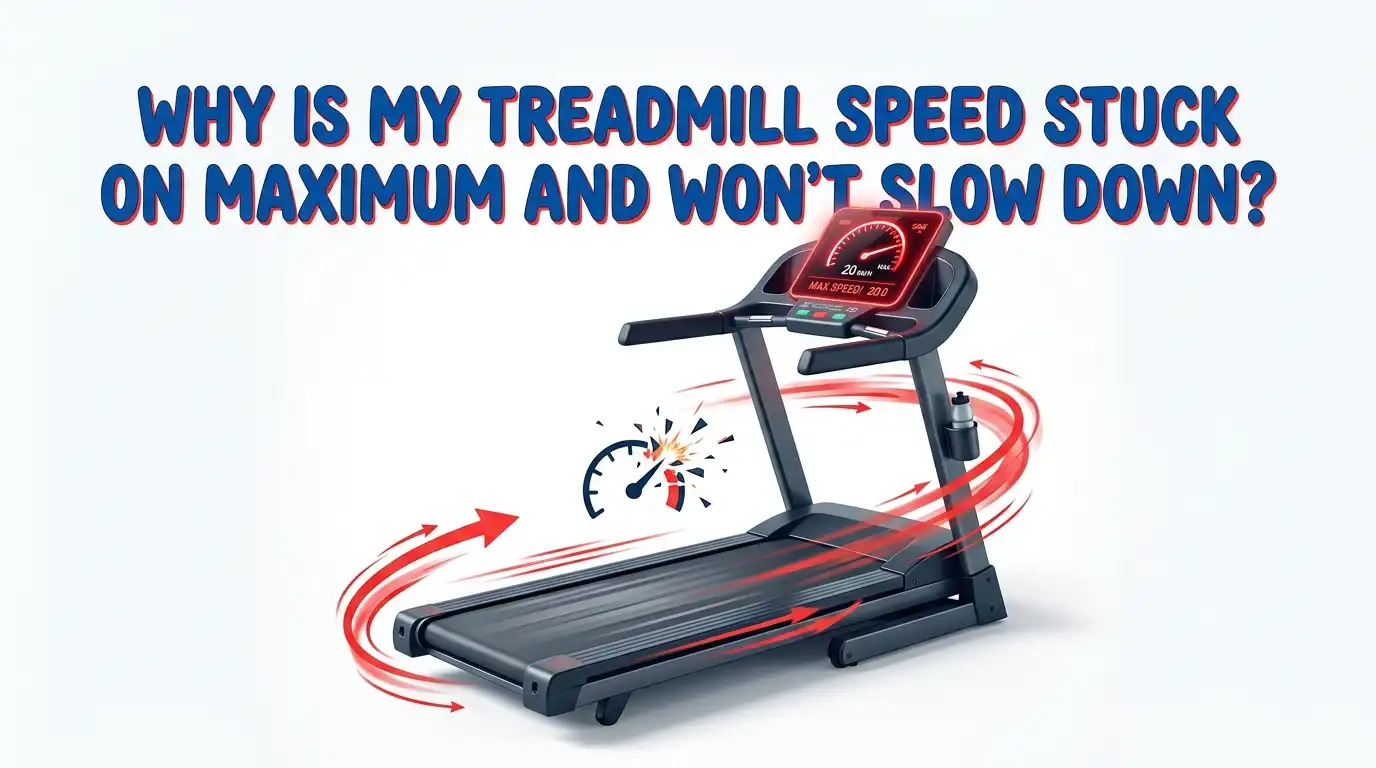
Why Is My Treadmill Speed Stuck On Maximum And Won’t Slow Down?
Your treadmill just took off at full speed. You press the speed down button. Nothing happens. The belt keeps racing, and your heart races with it. This is scary, and it feels dangerous, because it is.
A treadmill stuck on maximum speed is one of the most alarming machine faults you can face at home. The good news is that most causes are known, testable, and fixable. Some fixes take five minutes. Others need a screwdriver and patience.
This guide walks you through every likely cause in plain language. You will learn how to stop the belt safely, how to test each part, and how to decide between a quick repair and a bigger fix. Let us get your treadmill back under control.
In a Nutshell:
- Pull the safety key first. If the belt races out of control, yanking the magnetic safety key stops the belt instantly. This is your emergency brake, so keep it clipped to your clothing every workout.
- A hard power reset fixes many glitches. Unplug the treadmill from the wall, wait sixty seconds, then plug it back in. This clears frozen console signals that can lock the speed on maximum.
- The speed sensor is the most common culprit. A dirty, loose, or misaligned reed switch sensor confuses the machine and often triggers runaway speed or false readings.
- The motor control board is the serious cause. A failed lower control board can send full power to the motor with no way to slow it. This one needs repair or replacement.
- Stuck buttons and a faulty potentiometer on the console can also lock the speed high. Cleaning or replacing these parts often solves it.
- Safety comes before every repair. Always unplug the treadmill before you open any cover, because the board holds dangerous charge.
Understand Why Your Treadmill Speed Gets Stuck On Maximum
Your treadmill speed is a conversation between three main parts. The console sends your speed request. The motor control board turns that request into power. The speed sensor reports how fast the belt actually moves.
When one part in this chain fails, the machine loses control of the belt. The board may keep pushing full power because it never gets a correct signal to slow down. This is why the belt races even when you press the down button.
Think of it like a car with a stuck accelerator. The pedal command is broken, so the engine keeps roaring. In your treadmill, either the command, the messenger, or the power manager has broken. Finding which one is the whole job. Once you know the failing part, the fix becomes clear and manageable.
Stop The Belt Safely Before You Do Anything Else
Your first move is not troubleshooting. It is stopping the belt without getting hurt. Do not try to step off while the belt runs at full speed, because that is how injuries happen.
The fastest stop is the magnetic safety key. Pull it straight off the console. The belt should stop within a second or two, and the display will reset. This is the exact reason the safety key exists.
If the key does not work, unplug the treadmill from the wall outlet or flip the circuit breaker. Never reach across a moving belt to unplug it. Step to the side of the deck first, then reach the cord or wall switch safely.
Always clip the safety key to your clothing during every run. A runaway belt gives you no warning, and that little tether may be the thing that keeps you safe.
Perform A Hard Power Reset First
Many stuck speed problems are simple software glitches. The console freezes, holds a bad signal, and refuses to change speed. A hard reset clears this. It is free, fast, and fixes more cases than people expect.
Here is the exact process. Unplug the treadmill from the wall. Remove the magnetic safety key from the console. Wait a full sixty seconds so the board fully discharges. Then plug it back in and reinsert the key.
Now test the treadmill at a low speed. Press start, and try raising and lowering the speed. If the belt responds normally, the glitch is gone.
Pros: No tools, no cost, and no risk. It solves temporary electronic faults in minutes.
Cons: It does not fix hardware damage. If a sensor or board has failed, the problem returns quickly, and you will need deeper repair steps.
Check And Clean The Speed Buttons And Console
Stuck console buttons are a common and sneaky cause. A speed up button can get jammed down by dust, sweat, or a warped overlay sticker. The machine then reads a constant speed up command and races to maximum.
Look closely at your speed buttons. Press each one and feel for a clean click. A button that stays pressed, feels mushy, or does not spring back is your problem. Sweat and grime often glue buttons in place over time.
Try lifting the edge of the console sticker or membrane overlay gently. Some owners fix stuck buttons just by peeling back a warped sticker that pressed the keys down. Wipe under it with a dry cloth, then a slightly damp one.
Pros: Cheap, quick, and often solves the problem with no parts.
Cons: A damaged membrane keypad may need full replacement, and forcing a stuck sticker can tear the overlay if you rush.
Inspect The Speed Sensor (The Most Common Cause)
The speed sensor, often a small reed switch near the front roller, tells the machine how fast the belt moves. When this sensor fails, the board loses track of speed and can lock power on high. This is the single most common cause of runaway or stuck speed.
Unplug the treadmill and remove the motor cover. Find the small sensor near the front roller and the magnet on the pulley. Look for dust, a loose sensor, or a wide gap between the sensor and magnet.
The sensor should sit very close to the magnet, usually a few millimeters away. Clean off any dust, tighten the sensor bracket, and adjust the gap so the magnet passes right by it. Check the sensor wire for a loose plug on the board.
Pros: Very cheap to clean or adjust, and the part itself costs little if it needs replacing.
Cons: Reaching the sensor takes some disassembly, and a wrong gap can cause new speed errors.
Test The Speed Potentiometer On Manual Treadmills
Some older or basic treadmills use a speed potentiometer instead of digital buttons. This is a dial or slider that controls voltage to the motor. When the potentiometer sticks or fails internally, it can send a full speed signal that never drops.
Turn the dial or move the slider through its full range. Feel for rough spots, sticking, or a control that does nothing. A potentiometer that jumps to maximum or ignores your input is likely worn out.
You can test it with a multimeter in ohms mode. A healthy potentiometer shows a smooth, steady change in resistance as you turn it. A dead spot or jump to zero points to a failed part.
Pros: The part is inexpensive, and replacement is a straightforward solder or plug swap on many units.
Cons: Not all treadmills use one, and soldering skills may be needed. A wrong replacement part value can change the speed range.
Examine The Motor Control Board For Damage
The motor control board, also called the lower control board, manages power to the drive motor. A failed board can push full power to the motor with no way to slow it down. This is the most serious cause on this list.
Unplug the treadmill and remove the motor cover. Look at the board closely. Search for burnt spots, swollen or leaking capacitors, melted connectors, or dark scorch marks. A sharp electrical or burning smell is a strong warning sign.
Burnt MOSFETs, failed relays, and cracked solder joints often cause runaway speed. If you see or smell any damage, stop using the treadmill right away. A shorted board can be a fire and shock hazard.
Pros: A visual check is free and quickly confirms a serious fault. Component level repair can be cheaper than a full board.
Cons: Board repair needs electronics skill and high voltage safety knowledge. A new board must match your exact model and part number.
Recalibrate Your Treadmill Speed Settings
Many treadmills have a hidden calibration mode. Bad calibration can cause wrong speed readings and, in some cases, erratic speed behavior. Running calibration resets the machine so it reads and controls the belt correctly.
The exact steps vary by brand, so check your manual first. A common method is to press and hold the stop button and the speed up button together, then insert the safety key. This enters engineering or calibration mode.
Follow the on screen prompts. The belt usually runs through a self test, moving slowly and then speeding up to map its full range. Let it finish the full cycle without stepping on it.
Pros: No parts needed, and it fixes speed reading faults and some control glitches for free.
Cons: Wrong button combos can trigger other settings. Not every treadmill offers user calibration, and a hardware fault will not be fixed by software.
Check All Wiring And Connections Inside The Machine
Loose or damaged wires can send confused signals that lock your speed. A wire that comes loose from the console or the board can cause the belt to behave strangely. Vibration over months of use slowly shakes plugs loose.
Unplug the treadmill and remove both the motor cover and, if needed, the console cover. Trace the ribbon cable from the console down to the board. Gently reseat every plug you find, pushing each one firmly into place.
Look for pinched wires, burnt insulation, or corroded pins. A wire rubbing against a moving part can wear through and short out. Wiggle each connector to confirm it is snug and secure.
Pros: Free to do, and a reseated cable often solves the problem completely with no new parts.
Cons: It takes patience and careful attention. A missed connection or a wrongly seated plug can create new faults or stop the machine.
Update Or Reset The Console Firmware
Modern treadmills run on firmware, the software inside the console. A buggy firmware version or a corrupted update can cause speed control faults, including a stuck maximum speed. A firmware reset or update can clear these digital gremlins.
Check your treadmill brand’s support page or app for firmware updates. Many smart treadmills update over WiFi through their companion app. Follow the maker’s steps exactly, and never unplug the machine during an update.
If no update exists, look for a factory reset option in the settings menu. This returns the console software to its default state and often clears stuck commands.
Pros: It fixes software bugs that no amount of cleaning can solve, and it usually costs nothing.
Cons: Not all treadmills support firmware updates. An interrupted update can brick the console, so a stable power supply during the process is essential.
Decide Between Repairing And Replacing The Part
Once you find the faulty part, you face a choice. Some fixes are cheap and worth doing. Others cost enough that replacing the whole treadmill makes more sense. The right choice depends on the part and the machine’s overall condition.
Cheap fixes are almost always worth it. Cleaning a sensor, reseating a wire, replacing a button membrane, or swapping a potentiometer usually costs little and gives your treadmill years more life.
The motor control board is the tough call. A new board can be pricey and must match your exact model. If your frame, deck, belt, and motor are all still solid, board repair often pays off. If several parts are worn or the treadmill was low cost to start, replacement may be smarter.
Pros of repair: Lower cost, less waste, and you keep a machine you already know.
Cons of repair: Time, effort, and the risk that another part fails soon after.
Know When To Call A Professional Technician
Some repairs are beyond a safe DIY job. The motor control board holds dangerous voltage even after you unplug the machine. Large capacitors can store a shock that hurts. If you feel unsure at any point, stop and call a pro.
Call a technician when you smell burning, see scorch marks, or the same fuse blows again after replacement. A repeat blown fuse means a short, not bad luck, and chasing it needs proper tools. A pro can test the board, motor, and wiring safely.
A service visit costs money, but it can save you from injury or from buying the wrong expensive part. Your safety is worth more than a repair bill.
Pros: Correct diagnosis, safe handling of high voltage, and often a warranty on the work done.
Cons: Service fees add up, and travel or wait times can be long depending on your area.
Prevent Future Speed Control Problems
Good maintenance stops most speed faults before they start. A clean, well kept treadmill rarely races out of control. A little care each month goes a long way.
Wipe down the console after every workout so sweat does not seep into the buttons. Lubricate the belt and clean the deck regularly, because a dry deck overloads the motor and stresses the board. Vacuum dust from under the motor cover a few times a year.
Plug your treadmill directly into a wall outlet with a surge protector. Power surges damage boards and cause strange faults. Keep the safety key clipped on during every run without exception.
Pros: Simple habits, low cost, and far fewer breakdowns over the treadmill’s life.
Cons: It takes regular effort and discipline. Skipping maintenance quietly shortens the life of your motor and board.
Frequently Asked Questions
Why does my treadmill go to full speed as soon as I turn it on?
This usually points to a speed sensor problem or a stuck speed button. The machine cannot read the belt speed correctly, or it reads a constant speed up command, so it pushes the motor to maximum. Start with a hard reset, then check the sensor and buttons.
Is it dangerous to keep using a treadmill that races on its own?
Yes, it is dangerous. A runaway belt can throw you off and cause serious injury. Stop using it until you find and fix the cause. Always keep the safety key clipped to your clothing so you can stop the belt instantly.
Can a dirty speed sensor really cause stuck maximum speed?
Yes, it can. The sensor reports belt speed to the control board. When dust, a loose bracket, or a wide gap blocks the signal, the board loses track of the belt and may lock power on high. Cleaning and realigning the sensor often solves it.
How much does it cost to fix a treadmill stuck on full speed?
Cheap fixes like cleaning a sensor or reseating a wire cost almost nothing. A new speed sensor or potentiometer is usually inexpensive. A motor control board is the costly part and often needs professional help, which is when replacing the treadmill may make sense.
Will a hard reset fix my treadmill speed problem for good?
A hard reset fixes temporary software glitches, and sometimes that is the whole problem. But it will not repair a broken sensor, board, or button. If the stuck speed returns quickly after a reset, you are dealing with a hardware fault that needs a real repair.
Should I open the motor cover myself?
You can open it to inspect and clean, but always unplug the treadmill first and wait before touching the board. The board holds dangerous charge. If you see burnt parts, smell burning, or feel unsure, close it up and call a technician for a safe repair.

Hi, I’m Sarah Hill — the founder and voice behind Heavy Lift Vault. I’m passionate about fitness, strength training, and health technology. I spend my time researching, testing, and reviewing workout equipment and health devices so you don’t have to guess. My goal is to deliver honest, detailed, and trustworthy reviews that help you invest wisely in your fitness journey.