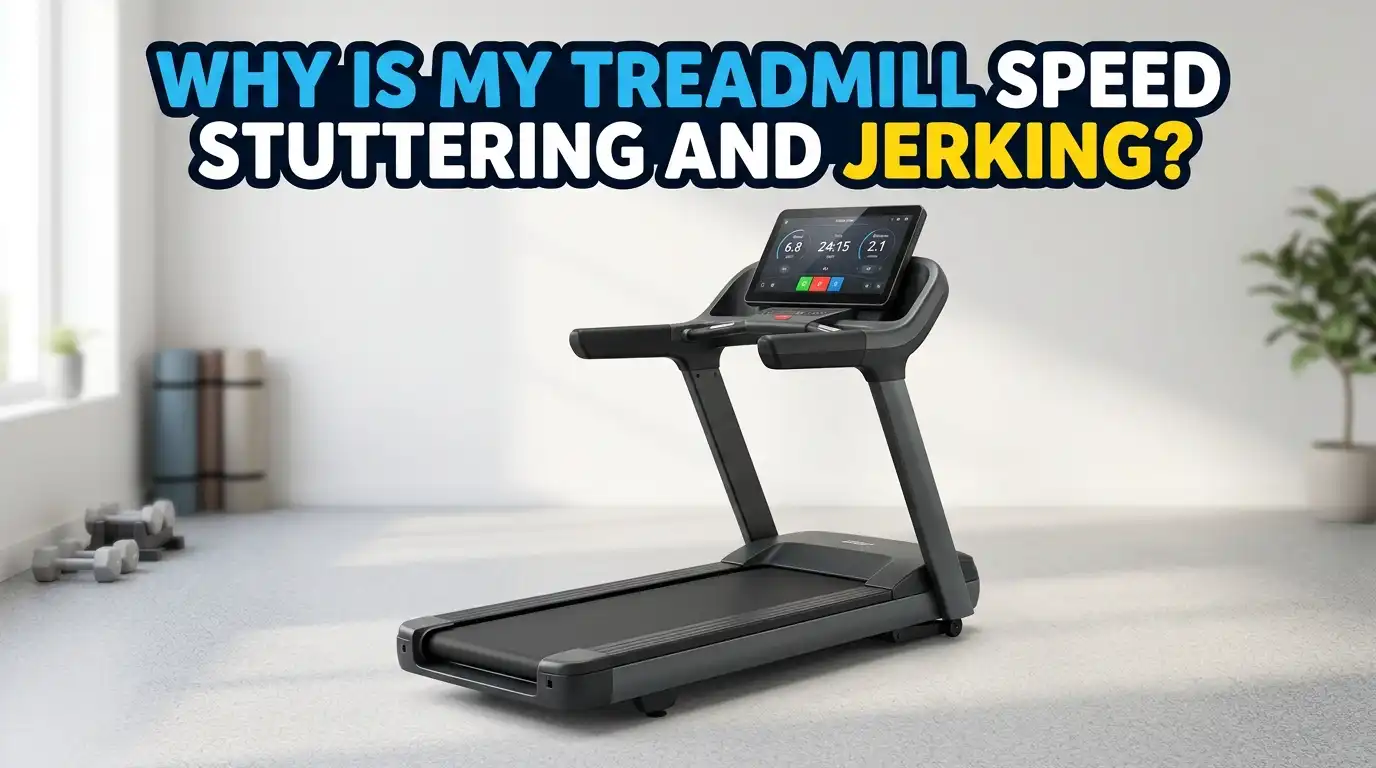
Why Is My Treadmill Speed Stuttering And Jerking?
Your treadmill should move you forward at one smooth and steady pace. So when the belt suddenly stutters, jerks, or hesitates under your feet, it feels alarming. You might trip. You might lose your rhythm. You might even worry that your machine is about to die.
The good news is simple. Most stuttering and jerking problems come from issues you can fix at home. A dry deck, a loose belt, a dusty sensor, or a bad power outlet causes the majority of these cases. You rarely need a brand new treadmill.
This guide walks you through every common cause. You will learn what creates the jerk, how to test for it, and how to fix it step by step. You will also see the pros and cons of each solution, so you can choose the right one for your machine. Let us get your runs smooth again.
Key Takeaways
- Friction is the number one cause. A dry or worn deck makes the motor struggle. This shows up as jerking the moment your foot lands. Lubrication fixes it most of the time.
- Belt tension matters in both directions. A loose belt slips and stutters. A belt that is too tight strains the motor and creates drag. You want the belt just right, not cranked down hard.
- Power problems mimic mechanical faults. Extension cords, power strips, and shared outlets cause speed surges. Plug your treadmill directly into a wall outlet first.
- Sensors send speed data to the brain of the machine. A dirty or misaligned speed sensor confuses the control board. This creates random surges and drops.
- Worn parts wear out gradually. Belts, motor brushes, rollers, and control boards age over time. Replace them when cleaning and adjusting no longer help.
- Always start with the easy checks. Test the power, the belt, and the deck before you open the motor cover or call a technician. You will save time and money.
What Treadmill Stuttering And Jerking Actually Looks Like
First, let us name the problem clearly. Stuttering means the belt pauses or hesitates for a split second. Jerking means the belt lurches forward in uneven bursts. Both break your stride and feel unsafe.
You might notice the belt slows when your foot strikes it. You might feel a small catch every few seconds. You might see the speed display read one number while the belt clearly moves at another. These are all signs of the same family of issues.
The pattern tells you a lot. Jerking only under your weight points to friction or a loose belt. Surging at high speeds points to the motor or control board. Random fluctuation at all speeds points to a sensor or wiring fault. Pay attention to when the jerk happens. That clue guides the rest of your repair.
Why Friction Between The Belt And Deck Is The Top Cause
Friction is the villain in most stuttering cases. Technicians report that a dry or worn deck causes the problem around 85 percent of the time. When the surface under the belt dries out, the belt grabs and drags. The motor cannot keep a steady pace, so the belt jerks.
You feel this most when you step on. The added weight increases the friction. The motor lags, then catches up, then lags again. This creates that classic stutter under your feet.
A simple coast test confirms it. Walk at 3 mph at the lowest incline, then pull the safety key. A healthy belt takes two or three full steps to stop. If it stops almost instantly, friction is too high. You either need lubrication or a new belt. We cover both fixes in the next sections.
How To Lubricate Your Treadmill Belt The Right Way
Lubrication is the cheapest and most common fix. Silicone lubricant lowers the friction between the belt and deck, so the motor moves the belt with ease. Most home treadmills need this every three to six months.
Here are the steps. First, unplug the machine. Second, lift one side of the belt near the middle. Third, apply silicone lube in a zigzag pattern on the deck under the belt. Fourth, repeat on the other side. Fifth, plug it in and walk at 2 mph for one minute to spread the lube evenly.
Never put lube on top of the belt. Only the area between the belt and deck needs it. Also, some treadmills use wax or sealed lubrication systems, so check your manual first.
Pros: It is cheap, fast, and solves the problem in most cases. Cons: It does not help a worn out belt, and too much lube can soak the belt and force a replacement.
How To Check And Adjust Belt Tension Correctly
A loose belt slips on the rollers. This creates a sudden hesitation, especially when you push off hard. On the flip side, a belt that is too tight strains the motor and creates its own kind of jerk.
To check tension, unplug the machine and lift the belt in the center. It should rise about two to three inches without straining. If it lifts higher, it is too loose. If you can barely lift it, it is too tight.
To adjust, find the two rear roller bolts. Turn them clockwise to tighten or counterclockwise to loosen. Make small turns, like half a turn at a time, and adjust both sides evenly. Then run the machine and watch that the belt tracks in the center.
Pros: No parts needed, and the fix takes minutes. Cons: Over tightening damages bearings and motors, and a stretched old belt may not hold tension at all.
Why Your Power Source Could Be The Real Problem
Here is a surprise. Many stuttering problems have nothing to do with the machine. They come from the outlet. Extension cords, power strips, and shared circuits drop the voltage your treadmill needs. The motor then surges and dips.
Treadmills pull a lot of power, especially during startup and at high speed. A weak power supply cannot keep up, so the belt speed wobbles. You might even see the console flicker.
The fix is simple. Plug your treadmill directly into a grounded wall outlet. Avoid sharing that circuit with heavy appliances like microwaves, heaters, or air conditioners. Some larger treadmills need their own dedicated circuit.
Pros: This costs nothing and rules out a whole category of false alarms. Cons: If your home wiring is genuinely weak, you may need an electrician to add a dedicated line, which costs money.
How A Dirty Or Misaligned Speed Sensor Causes Surging
Your treadmill uses a small speed sensor to track the belt. Most home machines use a magnetic reed switch near the front roller. This sensor tells the control board how fast the belt moves. The board then adjusts the motor to match your set speed.
When the sensor gets dusty or shifts out of place, it sends bad data. The board then speeds up and slows down at random, trying to correct a reading that is wrong. This creates surging and sudden drops at any speed.
To fix it, unplug the machine and remove the motor cover. Find the sensor near the front roller or flywheel. Wipe away dust and pet hair. Check that the gap between the sensor and the magnet stays around two to three millimeters. Reseat any loose wire.
Pros: Cleaning is free and quick. Cons: If the sensor itself has failed, you must replace it, which means ordering the correct part for your model.
When Worn Motor Brushes Are To Blame
Many treadmill motors use small carbon brushes. These brushes wear down slowly over years of use. As they shrink, the motor loses torque. The first sign is often jerking at higher speeds or when you move from a walk to a run.
You might also hear buzzing or a rhythmic pulse from the motor. The machine runs fine empty but struggles under your weight. This pattern strongly suggests brush wear.
You can test motor torque, but you must be extremely careful. Never use your hand or any body part near the spinning flywheel. Use a long tool to apply gentle pressure in the direction of spin. If the motor slows easily, the brushes are likely worn.
Pros: New brushes cost far less than a new motor. Cons: Replacing them needs some mechanical skill, and on sealed motors you may need a technician.
How A Failing Motor Control Board Triggers Jerking
The motor control board is the brain of your treadmill. It reads the sensor and feeds power to the motor. When the board ages or overheats, its output becomes unstable. The belt then slows under load, accelerates without warning, or cuts out at high speed.
Control board failures are actually rare. Technicians find them in only about 2 percent of bogging cases. So you should rule out the belt, deck, power, and sensor first. Replacing the board too early often wastes money.
Look for warning signs. A burning smell near the board, visible scorch marks, or sudden shutdowns during a run all point to the board. If everything else checks out and the problem stays, the board is the likely cause.
Pros: A new board can fully restore a tired machine. Cons: Boards are expensive, and the swap usually needs careful wiring work or a professional.
Why Worn Rollers And Bearings Create A Pulsing Belt
Your treadmill has a front and a rear roller. The belt wraps around both. When a roller bearing wears out, it grinds or wobbles. This adds uneven drag, so the belt pulses or jerks in a steady rhythm as it cycles.
You can often hear this. Listen for a rhythmic thump, a squeak, or a grinding sound that matches the belt speed. The noise gets louder as the bearing gets worse. Belt tracking problems that return after every adjustment also point to roller wear.
To check, unplug the machine and spin each roller by hand. A healthy roller turns smoothly and quietly. A bad one feels rough or makes noise. Replacement is the fix, since you cannot repair a worn bearing.
Pros: A new roller restores smooth, quiet motion. Cons: Rollers cost more than lube or belts, and the swap takes time and patience.
When You Should Replace The Walking Belt
Sometimes lubrication only helps for a few days. That is your sign the belt itself is worn out. The inner layers break down, the underside glazes over, and friction climbs no matter what you do.
Flip the belt and feel the underside. Burn marks, fraying, or a slick glazed surface mean the belt is finished. The incline test helps too. Run at max incline at 3 mph. If the jerking disappears at full incline but returns at flat, the belt needs replacing.
To replace it, you loosen the rear rollers, slide off the old belt, and fit the new one. Always use the exact belt made for your model. The wrong size or texture causes new problems.
Pros: A fresh belt restores like new performance and protects the motor. Cons: Belts cost more than lube, and the swap takes effort and some basic tools.
Quick Checks You Can Do In Five Minutes
Before you open anything, run through this fast list. These simple checks solve a huge share of stuttering problems without tools or parts. Start here every time.
First, plug the treadmill directly into a wall outlet and skip the power strip. Second, lift the belt to confirm it rises two to three inches. Third, feel under the belt for a dry deck. Fourth, run the machine empty at low speed to see if it stutters without your weight.
Fifth, reset the power. Turn it off, wait sixty seconds, and restart. Some consoles refresh their speed logic after a full reset. Sixth, listen for odd noises and watch for console flicker.
Pros: These checks are free, fast, and safe. Cons: They only catch the easy issues, so deeper faults still need full diagnosis.
How To Decide Between A DIY Fix And Calling A Technician
Not every repair is a home job. Lubrication, belt tension, power checks, and sensor cleaning are safe and simple. Most owners handle these with no trouble. Start with them every time.
Other repairs need caution. Live electrical testing, control board swaps, and motor work carry real risk. High voltage and spinning motors can injure you. If you feel unsure, stop and get help.
Call a technician when the stuttering continues after you adjust the belt, lube the deck, and fix the power. Also call if you smell burning, see sparks, or notice the motor overheating. These signs point to serious faults.
Pros of DIY: It saves money and teaches you your machine. Cons of DIY: You risk injury and may misdiagnose the part. Pros of a technician: Expert tools and accurate testing. Cons: Service calls cost money and take scheduling time.
Simple Habits That Keep Your Treadmill Smooth For Years
Prevention beats repair. A few small habits stop stuttering before it ever starts. They also extend the life of every part on your machine.
Lubricate the belt on schedule, usually every three to six months. Vacuum around and under the treadmill often to keep dust away from the motor and sensor. Check belt tension and tracking once a month and adjust in small steps.
Always use a stable, grounded outlet with no extension cords. Listen for new noises and act early when something feels off. A faint thump today can become a worn roller next month if you ignore it.
Pros: Maintenance is cheap, easy, and prevents costly breakdowns. Cons: It takes a little time and discipline, and you must buy the right lube for your model.
Frequently Asked Questions
Why does my treadmill slow down only when I step on it?
This usually means high friction or low power under load. The added weight forces the motor to work harder. A dry deck, a loose belt, worn motor brushes, or a weak outlet can all cause it. Start by checking lubrication and belt tension, then test your power source.
Can a bad speed sensor cause my treadmill to jerk?
Yes. A dirty or misaligned speed sensor sends wrong data to the control board. The board then surges and drops the speed as it tries to correct a bad reading. Cleaning the sensor and checking its gap often fixes this. If not, the sensor may need replacing.
How often should I lubricate my treadmill belt?
Most home treadmills need silicone lube every three to six months. Heavy daily users may need it more often. Always check your manual first, since some machines use wax or sealed systems that you should never lubricate by hand.
Is it safe to keep using a treadmill that stutters?
It is best to stop and diagnose it first. A jerking belt can make you trip or lose your balance. It also strains the motor and control board, which can turn a small problem into an expensive repair. Fix the cause before your next run.
Why does my treadmill only jerk at high speeds?
High speeds demand much more power and torque. A machine can run fine at a walk but fail when the motor works hard. This often points to worn motor brushes, rising friction, or a control board reaching its limit. Test the belt and deck first, then look at the motor.
Does the type of flooring affect treadmill stuttering?
It can. An uneven floor or thick carpet lets the frame flex during use. That changes the pressure between the belt and rollers. Place your treadmill on a firm, level surface or a treadmill mat to keep everything stable and smooth.

Hi, I’m Sarah Hill — the founder and voice behind Heavy Lift Vault. I’m passionate about fitness, strength training, and health technology. I spend my time researching, testing, and reviewing workout equipment and health devices so you don’t have to guess. My goal is to deliver honest, detailed, and trustworthy reviews that help you invest wisely in your fitness journey.